Worklittle - Worklittle submits job applications in 7 seconds | Research blog
Tap Apply and Worklittle fills out and submits the real job application, in as little as 7 seconds.
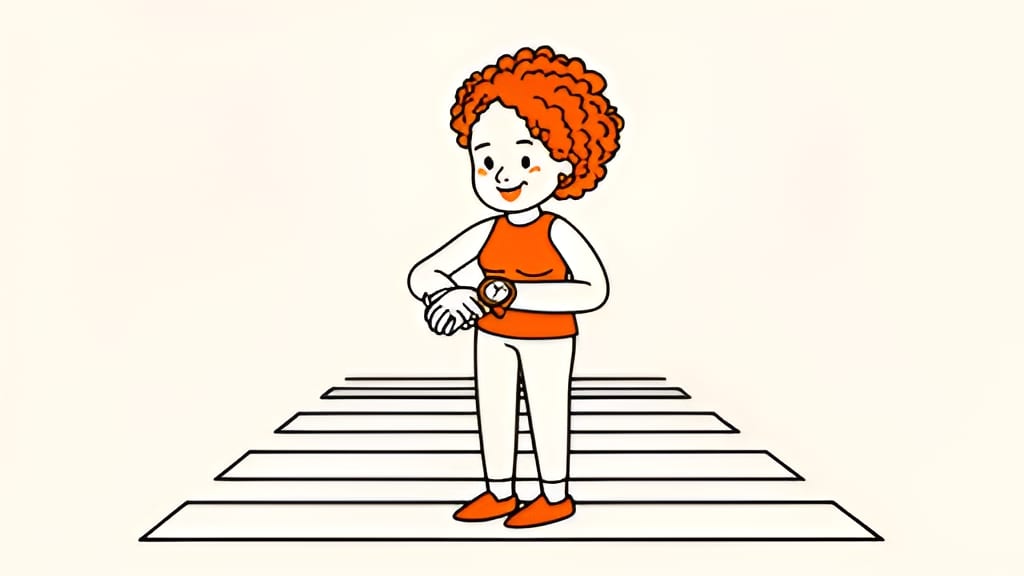
Filling out one job application can take 30 minutes. Worklittle does it in as little as 7 seconds. Tap Apply, and the company's real application is filled out and submitted before you can put your phone down.
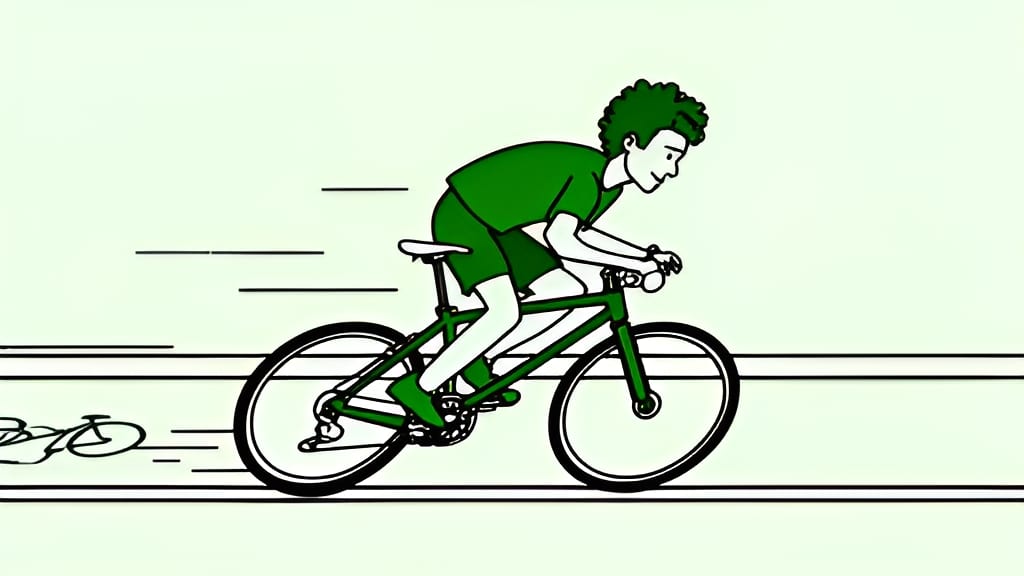
Worklittle now fills out applications up to 3 times faster than before. Many are done in as little as 7 seconds, from the first question to the submit button.
That is the difference between applying to one job on your lunch break and applying to twenty.
Speed does not mean shortcuts. Worklittle answers every question from your resume and profile, writes answers recruiters expect to read, and attaches a resume tailored to that job.
Worklittle now loads up to 40% faster. Jobs on the map appear before the map finishes drawing, and search, companies, and job pages load quicker on every visit, even on older phones and spotty connections.
The average job application asks for the same things again and again. Name, address, work history, education, references, a few screening questions. Done by hand, that can mean 20 to 30 minutes per job, longer when a site is slow or crashes halfway through.
Multiply that by the dozens of applications most people need, and job hunting turns into a part time job. Speed is not a nice extra. It is the difference between applying to the jobs you want and giving up early.
Simple applications can be done in as little as 7 seconds. Longer ones with several pages, account sign ups, or email codes take a bit more time, but are still far faster than doing it yourself.
Worklittle does not skip questions to save time. It answers every required field, writes short essay answers from your real experience, and uses the answers you have told it before, like your start date or work authorization. You can open any application chat to see exactly what was sent.
Alongside faster applications, Worklittle now loads up to 40% faster. Maps fill in before the map finishes drawing, search results show up sooner, and job pages open quicker on every visit. It all adds up to less time waiting and more time getting hired.
If every application takes seconds instead of half an hour, you get hours back each week. Use them for the parts of a job search only you can do. Practice for interviews. Reach out to people at companies you like. Learn a skill a job keeps asking for. Or just rest.
The same speed works wherever you use Worklittle. Tap Apply on the map, in search results, in Saved, or right inside a chat. You can even find jobs and apply from ChatGPT with the Worklittle app.
Upload your resume once and you are ready. Try it for free, and upgrade to Worklittle Instant when you want more applications, tailored resumes, and Auto-apply.
Speed came from many small improvements rather than one trick. Worklittle now reads each application page more efficiently, fills answers faster, and skips steps it no longer needs. On the website, pages share data instead of loading it twice, and the map starts showing jobs before it has finished drawing.
The result is an app that feels quick on a brand new phone and still usable on an older one with a weak signal.
No. 7 seconds is how fast many applications finish. Longer applications with several steps take more time, though they are still up to 3 times faster than before.
Yes. Worklittle submits the company's own application and confirms it went through. If you prefer to review first, turn off Submit automatically in Settings .
No. Worklittle runs on worklittle.com in any browser on your phone or computer.
No. The same checks run on every application. Required fields are filled, and answers come from your resume and profile.
Some companies use long, multi page applications or ask you to create an account first. Worklittle handles those too, it just takes a little longer.
No. Faster applications use the same credit as before.
Open Worklittle , find a job you like, and tap Apply. Then count to seven.